The Best Document Tracking Tools in 2026
The Best Document Tracking Tools in 2026
Honest Comparison for PDFs, Proposals, Pitch Decks, and Reports
Document tracking has become a must-have for founders, agencies, consultants, marketers, and sales teams that send important PDFs, proposals, pitch decks, reports, or client documents.
In 2026, sending a static PDF attachment is no longer enough. Remote selling, async buying committees, and investor inbox overload mean you need to know what happens after someone clicks your link.
Did they open it? Did they read the pricing page? Did they forward it to a partner? Did they return three times in one day? Did they stop on slide four and disappear?
That is what document tracking software helps answer.
This guide compares the best document tracking tools based on the things that actually matter:
- Real-time alerts
- Viewer identity
- Page-level analytics
- Heatmaps
- Ease of use
- Pricing
- Follow-up usefulness
If your goal is to know what happens after someone opens your document, this comparison will help you choose the right tool.
Quick Comparison
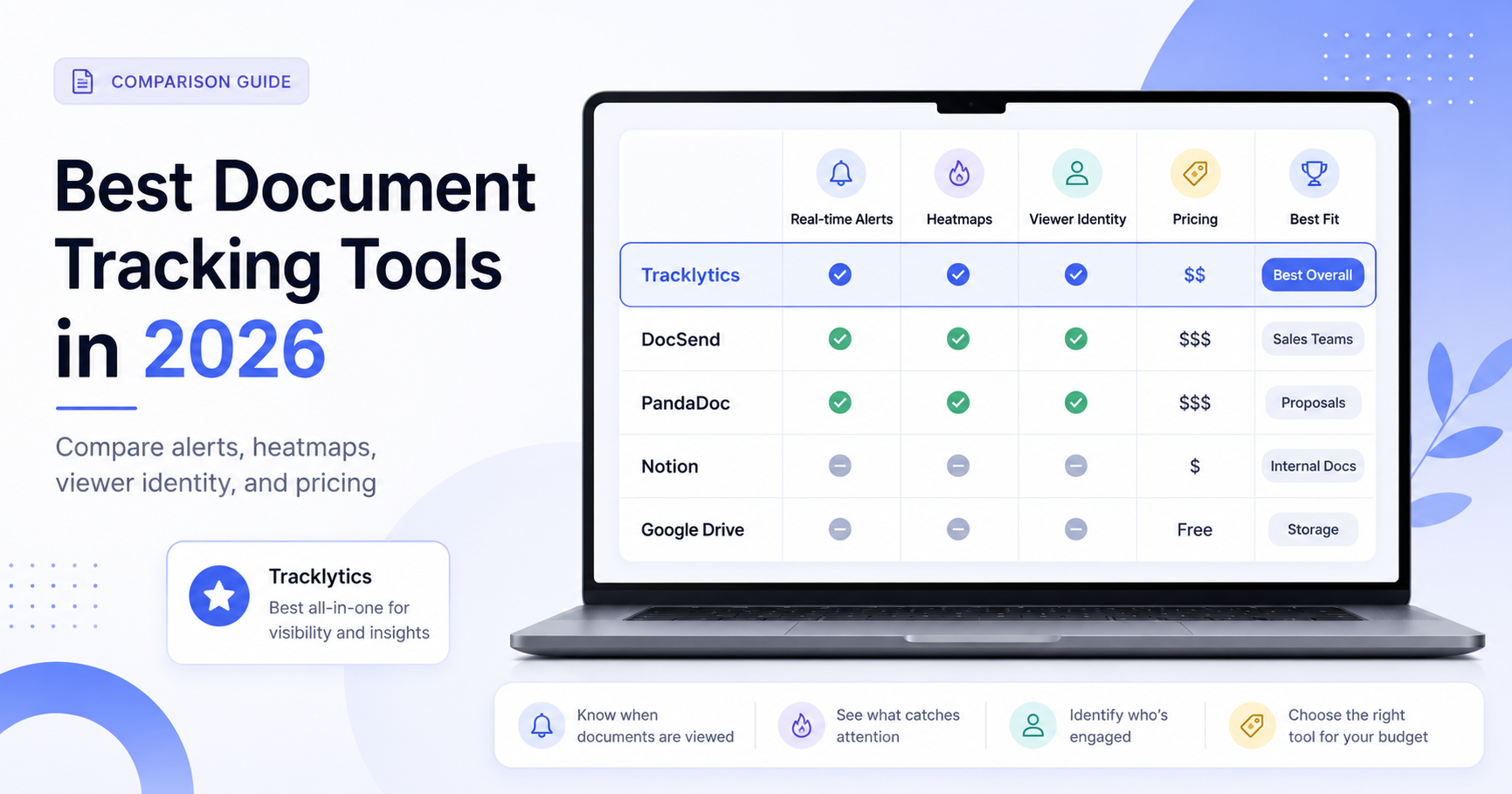
| Tool | Best For | Real-Time Alerts | Heatmaps | Viewer Identity | Starting Price |
|---|---|---|---|---|---|
| Tracklytics | Proposal, PDF, and pitch deck engagement tracking | Yes | Yes | Yes | Free plan; paid from $49.99/mo |
| DocSend | Secure document sharing and data rooms | Yes | Analytics-focused | Yes | From $10/user/mo annually |
| PandaDoc | Proposals, contracts, and e-signatures | Yes | No | Yes | Free eSign; paid from $19/user/mo annually |
| Notion | Lightweight public docs and team pages | No | No | No | Free; paid from $10/member/mo |
| Google Drive | Basic file sharing and storage | Limited | No | Limited | Free personal; Workspace from $7/user/mo annually |
What to Look for in a Document Tracking Tool
Before choosing a tool, decide what you actually need.
If you only need to store and share files, Google Drive or Notion may be enough. If you need to create contracts and collect signatures, PandaDoc may be the better fit. If you need secure document rooms for fundraising or due diligence, DocSend is a strong option.
But if your main question is:
“What happened after I sent this proposal, deck, PDF, or report?”
Then you need a tool built around engagement data.
The most useful document tracking features are:
- Real-time open alerts
- Page-by-page viewing data
- Time spent per page
- Viewer identity or email gates
- New viewer detection
- Heatmaps or visual engagement signals
- Follow-up triggers
- Simple sharing links
- Pricing that makes sense for solo founders and small teams
The best tool depends on your workflow. Here is the honest breakdown.
1. Tracklytics — Best for Real-Time Engagement and Heatmaps
Tracklytics is built for people who send important documents and need to know what happens next.
Instead of attaching a PDF and waiting, you upload your document, get a shareable link, and track engagement. You can see when someone opens your document, how long they spend, what pages they view, and where they engage.
Tracklytics is especially useful for:
- Sales teams sending proposals
- Founders sending pitch decks
- Agencies sending client reports
- Consultants sending scopes of work
- Marketers sending gated resources
- B2B teams trying to prioritize warm leads
The biggest advantage is that Tracklytics focuses on buyer behavior.
It is not just file storage. It helps you understand intent.
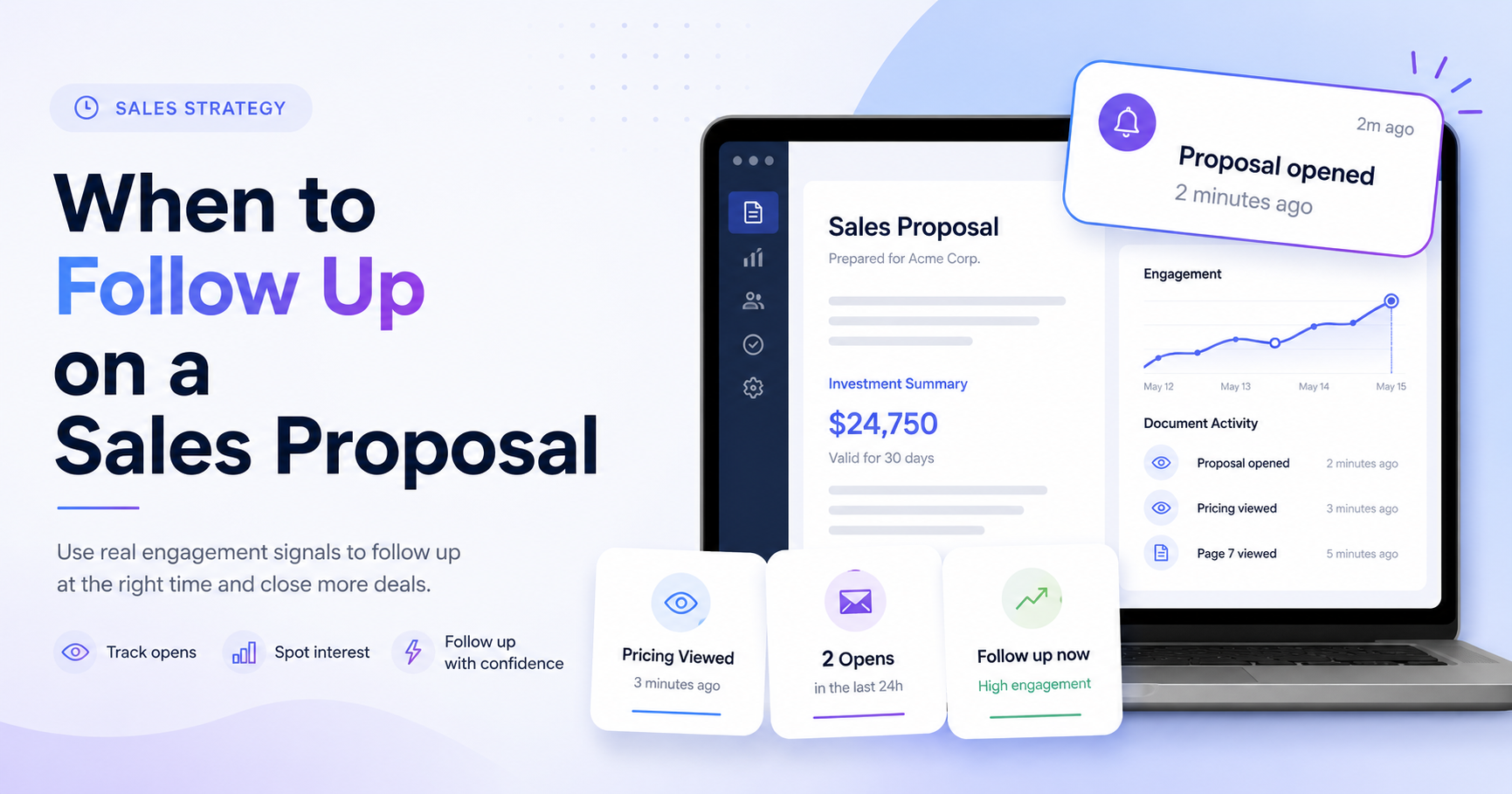
For example, if a prospect opens your proposal twice and spends most of their time on pricing, that is a follow-up signal. If a founder sends a pitch deck and sees a second viewer open it, that may mean the deck was forwarded internally. If an agency sends a monthly report and the client never scrolls past page two, that is useful feedback.
Tracklytics currently offers:
- Free plan
- Starter plan at $49.99/mo
- Pro plan at $99.99/mo
- Business plan starting at $199.99/mo
The public pricing page also says Starter has a 7-day free trial, Pro has a 14-day free trial, and no credit card is required to start.
Best for: founders, sales teams, agencies, and consultants who want real-time visibility into document engagement.
Try Tracklytics:
https://tracklytics.ca/
See Tracklytics features:
https://tracklytics.ca/features
See current plans:
https://tracklytics.ca/pricing
2. DocSend — Strong for Secure Sharing and Data Rooms
DocSend is one of the most established tools in secure document sharing. It is popular among founders raising money, investors reviewing decks, and teams managing sensitive documents.
DocSend offers link-based document sharing, visitor controls, document analytics, Spaces, and data room features. It is powerful, especially when you need stronger access control, security, and due diligence workflows.
The tradeoff is that DocSend can feel heavier than needed if you simply want to track proposals or pitch decks and follow up based on engagement.
DocSend’s pricing currently starts at $10/user/month for Personal when billed yearly. Standard is listed at $45/user/month when billed yearly, Advanced at $150/month, and Advanced Data Rooms at $180/month.
DocSend is a good fit when security, permissions, data rooms, and investor workflows matter more than simplicity.
Best for: startups and teams that need secure document rooms, fundraising workflows, and advanced access controls.
Website:
https://www.docsend.com/pricing/
3. PandaDoc — Best for Contracts and E-Signatures
PandaDoc is less of a pure document analytics tool and more of a proposal, contract, and e-signature platform.
If you need to create proposals, send contracts, collect signatures, manage approvals, and integrate with CRM workflows, PandaDoc is strong. It includes tracking and notifications, but the main value is document workflow and signing.
PandaDoc currently offers:
- Free eSign plan
- Starter plan listed at $19/user/month when billed annually
- Business plan listed at $49/user/month when billed annually
Monthly pricing is higher.
For teams that care mostly about who opened a PDF, which page they read, and when to follow up, PandaDoc may be more than they need. But if signatures and contract workflows are central to the process, PandaDoc is worth considering.
Best for: businesses that need proposal creation, agreement workflows, and e-signatures.
Website:
https://www.pandadoc.com/pricing/
4. Notion — Useful for Pages, Not Document Tracking
Notion is great for creating pages, knowledge bases, project docs, and public pages. Some teams use it to share lightweight proposals, client portals, or investor updates.
But Notion is not built for sales document tracking.
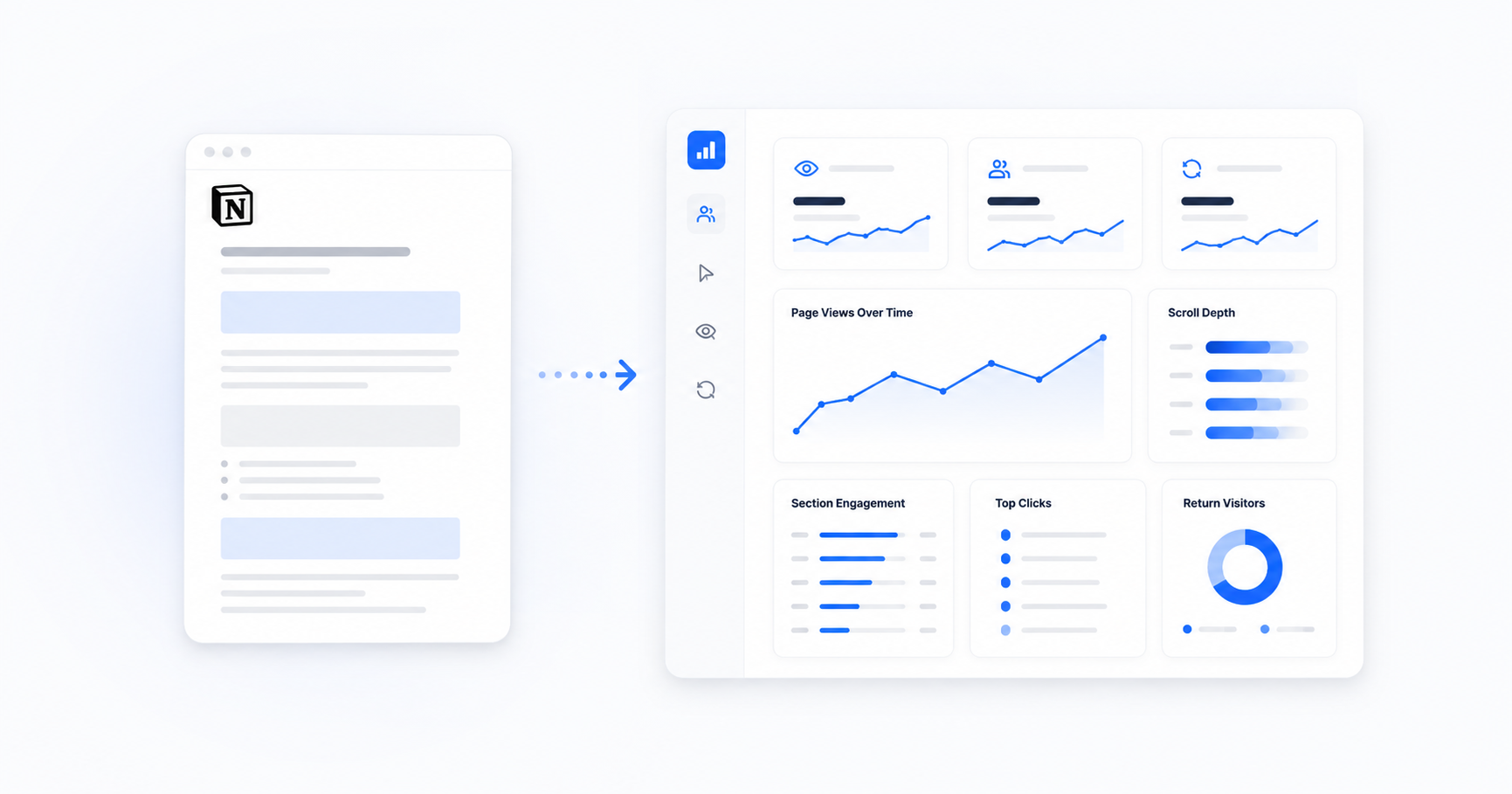
You do not get detailed PDF analytics, document heatmaps, page-by-page attention, real-time buyer intent alerts, or stakeholder forwarding signals.
Notion’s public pricing currently lists:
- Free plan
- Plus at $10/member/month
- Business at $20/member/month
- Enterprise with custom pricing
Notion can be useful if the goal is to publish a living document or a lightweight page. It is not the right tool if the goal is to understand prospect engagement.
Best for: internal documentation, public notes, lightweight pages, and team knowledge bases.
Website:
https://www.notion.com/pricing
5. Google Drive — Good Baseline Sharing, Weak Tracking
Google Drive is the default for basic file sharing. It is easy, familiar, and already part of many workflows.
But it is not a sales analytics tool.
You can share files, manage permissions, and collaborate, but you do not get the kind of engagement tracking that helps you follow up with prospects.
Google Workspace pricing currently starts at $7/user/month on the annual Business Starter plan, with Business Standard listed at $14/user/month and Business Plus at $22/user/month.
If you only need to send a file, Google Drive is fine. If you need to know whether a prospect opened a proposal and which page they cared about, use a dedicated document tracking tool.
Best for: simple file storage, team collaboration, and basic sharing.
Website:
https://workspace.google.com/pricing
Which Document Tracking Tool Should You Choose?
The right document tracking tool depends on your use case.
If You Are a Founder Raising a Round
Use Tracklytics or DocSend.
Tracklytics is simpler if you want pitch deck engagement, heatmaps, and follow-up signals. DocSend may make sense if you need a full fundraising data room.
If You Are a Sales Team Sending Proposals
Tracklytics is the clearest fit because it focuses on real-time engagement and follow-up timing.
You can see when prospects open your proposal, what pages they care about, and when they return.
If You Are an Agency Sending Reports
Tracklytics helps you see whether clients actually read what you send.
That can help with account management, reporting calls, renewals, and client communication.
If You Need E-Signatures
PandaDoc is the better fit if your workflow depends on contract templates, approvals, and signatures.
If You Only Need Simple File Sharing
Google Drive or Notion may be enough.
They are simple, familiar, and useful for basic document sharing, but they are not built for serious engagement tracking.
Final Recommendation
The best document tracking tool depends on the job.
Use Google Drive for storage. Use Notion for lightweight public docs. Use PandaDoc for contracts and e-signatures. Use DocSend for secure sharing and data rooms.
Use Tracklytics when you want to know:
- Who opened your document
- What they looked at
- How engaged they were
- Which pages mattered most
- When to follow up
If you are sending proposals, pitch decks, PDFs, or reports and waiting without context, Tracklytics gives you the visibility you need.
Try Tracklytics free:
https://tracklytics.ca/
See current plans:
https://tracklytics.ca/pricing
About Tracklytics
Tracklytics is a document tracking platform built for teams that want to understand what happens after they send a PDF, pitch deck, proposal, or report.
It helps users track opens, viewer engagement, page activity, and heatmap-style document behavior so they can follow up with better context.
For teams comparing document tracking tools in 2026, Tracklytics is positioned around:
- Real-time engagement visibility
- Heatmaps
- Simple sharing links
- Viewer insights
- Pricing that starts with a free plan
Instead of sending documents and guessing what happened, Tracklytics helps you see the buyer journey after the link is opened.
FAQ
What Is the Best Document Tracking Tool in 2026?
The best tool depends on your use case.
Tracklytics is a strong option for proposal tracking, PDF analytics, pitch deck tracking, heatmaps, and real-time engagement signals.
DocSend is strong for secure document sharing and data rooms. PandaDoc is strong for contracts and e-signatures.
Is Google Drive a Document Tracking Tool?
Google Drive is useful for file storage and sharing, but it is not built for sales document analytics.
It does not provide the same page-level engagement, heatmap, or follow-up signal workflow as a dedicated document tracking tool like Tracklytics.
How Much Does Tracklytics Cost?
Tracklytics currently has a Free plan, Starter at $49.99/mo, Pro at $99.99/mo, and Business starting at $199.99/mo.
Always check the pricing page for the latest details:
https://tracklytics.ca/pricing
What Should I Use If I Need E-Signatures?
If e-signatures and contract workflows are the main requirement, PandaDoc may be the better fit.
If the main goal is tracking document engagement and follow-up intent, Tracklytics is more focused on that workflow.
What Is the Difference Between Document Sharing and Document Tracking?
Document sharing lets you send or store a file.
Document tracking helps you understand what happens after the file is opened.
That can include opens, time spent, page views, viewer identity, heatmaps, and follow-up signals.
Is Document Tracking Useful for Pitch Decks?
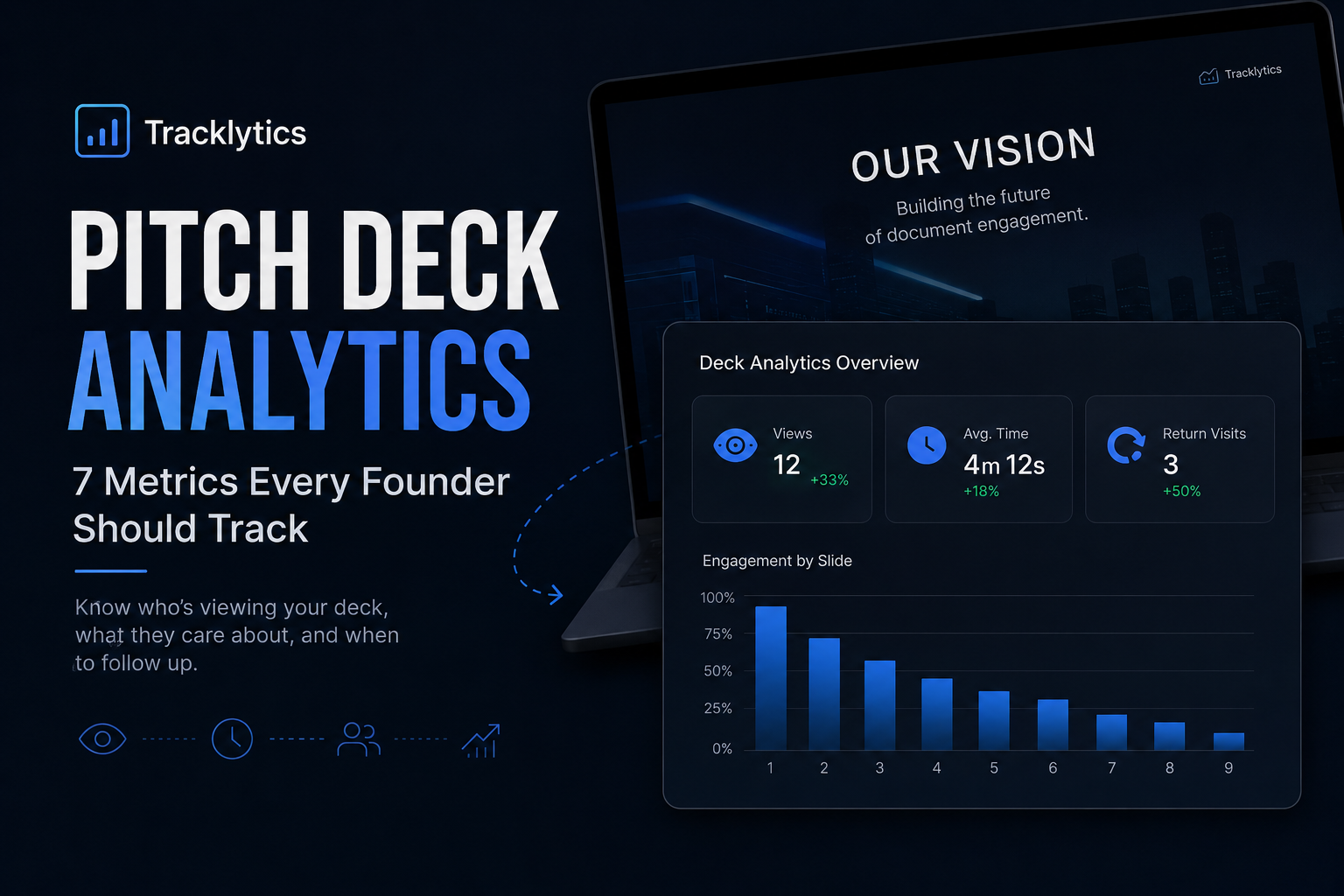
Yes. Pitch deck tracking can help founders understand whether investors opened the deck, which slides received attention, and whether the deck may have been forwarded to another stakeholder.
This can help founders follow up with better timing and context.
Is Document Tracking Useful for Sales Proposals?
Yes. Sales proposal tracking helps teams see when a prospect opens a proposal, whether they reviewed pricing, and whether they returned to the document before making a decision.
That makes follow-up less random and more useful.
Stop guessing. Start knowing.
Track when prospects open your proposals, see which pages they read, and follow up at exactly the right moment.
Try Tracklytics free →