How to Know When a Prospect Opens Your Proposal (And What to Do Next)
How to Know When a Prospect Opens Your Proposal
And What to Do Next
You send a proposal. Then nothing happens.
No reply. No questions. No “looks good.” No “we went with someone else.” Just silence.
That silence is the frustrating part. You do not know whether the prospect opened the proposal, ignored it, skimmed it, forwarded it to someone else, or got stuck on the pricing page. So you guess. You follow up on Tuesday morning because that feels polite. Or you wait five business days because that feels professional.
The problem is that your prospect’s interest does not run on your calendar. It shows up in moments: when they open the proposal, return to it, spend time on a specific page, or share it internally.
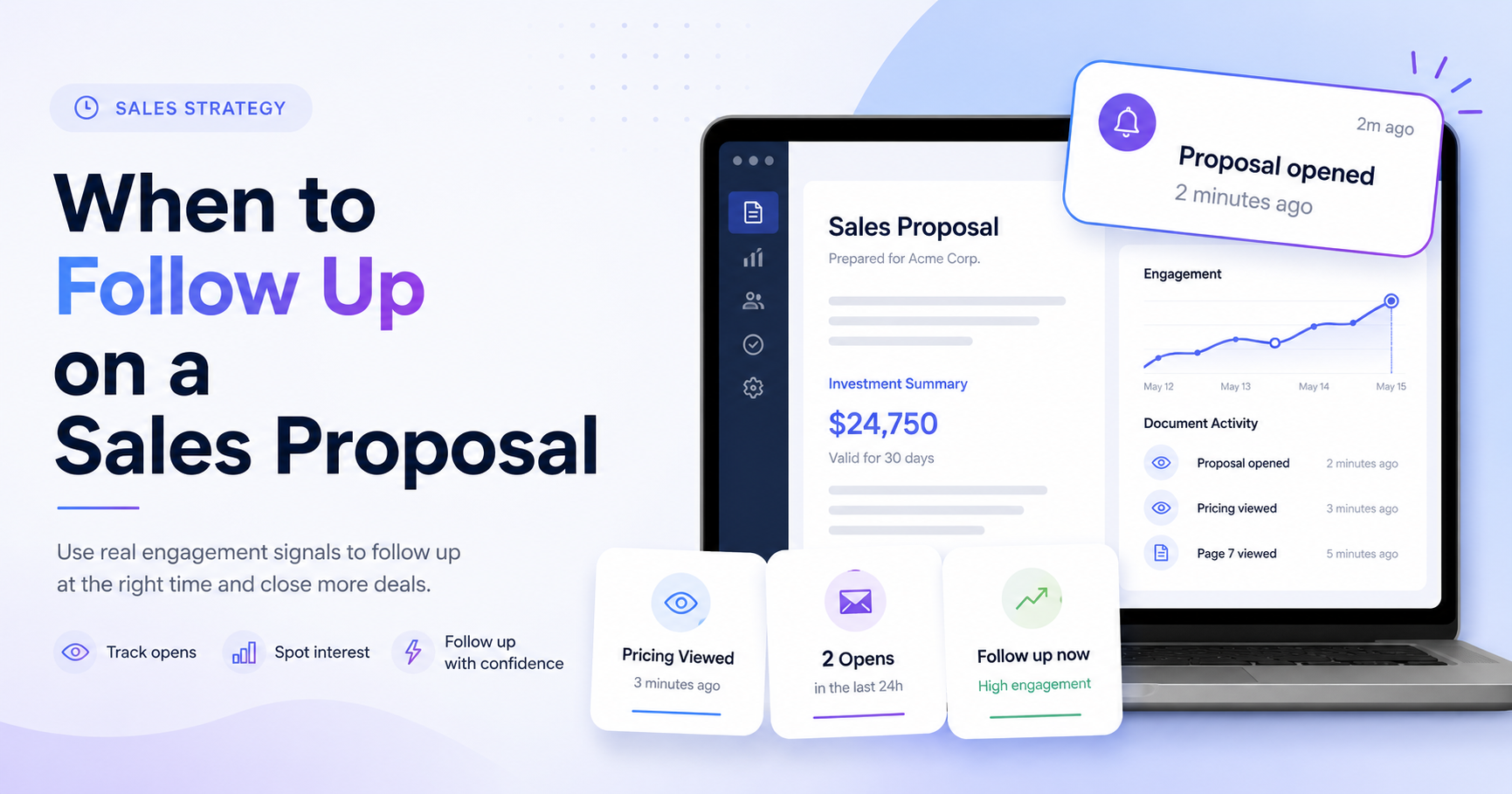
That is where proposal tracking helps. Instead of wondering whether someone read your PDF, you can see when they opened it, what they looked at, and what to do next.
Why Timing Your Follow-Up Matters
The best follow-ups happen when the prospect is already thinking about the problem.
If someone opens your proposal at 2:14 p.m., reviews the pricing section, and comes back again 20 minutes later, that is a stronger signal than:
“It has been five days, so I should probably email them.”
Sales teams often talk about “speed to lead” because buyer attention fades quickly. A Harvard Business Review article on online sales leads found that companies that contacted potential customers within an hour were nearly seven times as likely to qualify the lead compared with companies that waited even one more hour. HubSpot also summarizes lead follow-up research showing that timing matters when trying to connect with prospects.
That does not mean you should spam someone the second they click a link. It means you should stop treating every prospect the same.
A prospect who opens your proposal twice, spends time on pricing, and shares it with another stakeholder deserves a different follow-up than someone who never opened it at all.
Most people follow up based on a schedule. The better move is to follow up based on intent.
What Document Tracking Actually Tells You
A normal PDF attachment gives you almost no feedback. You send it, wait, and hope.
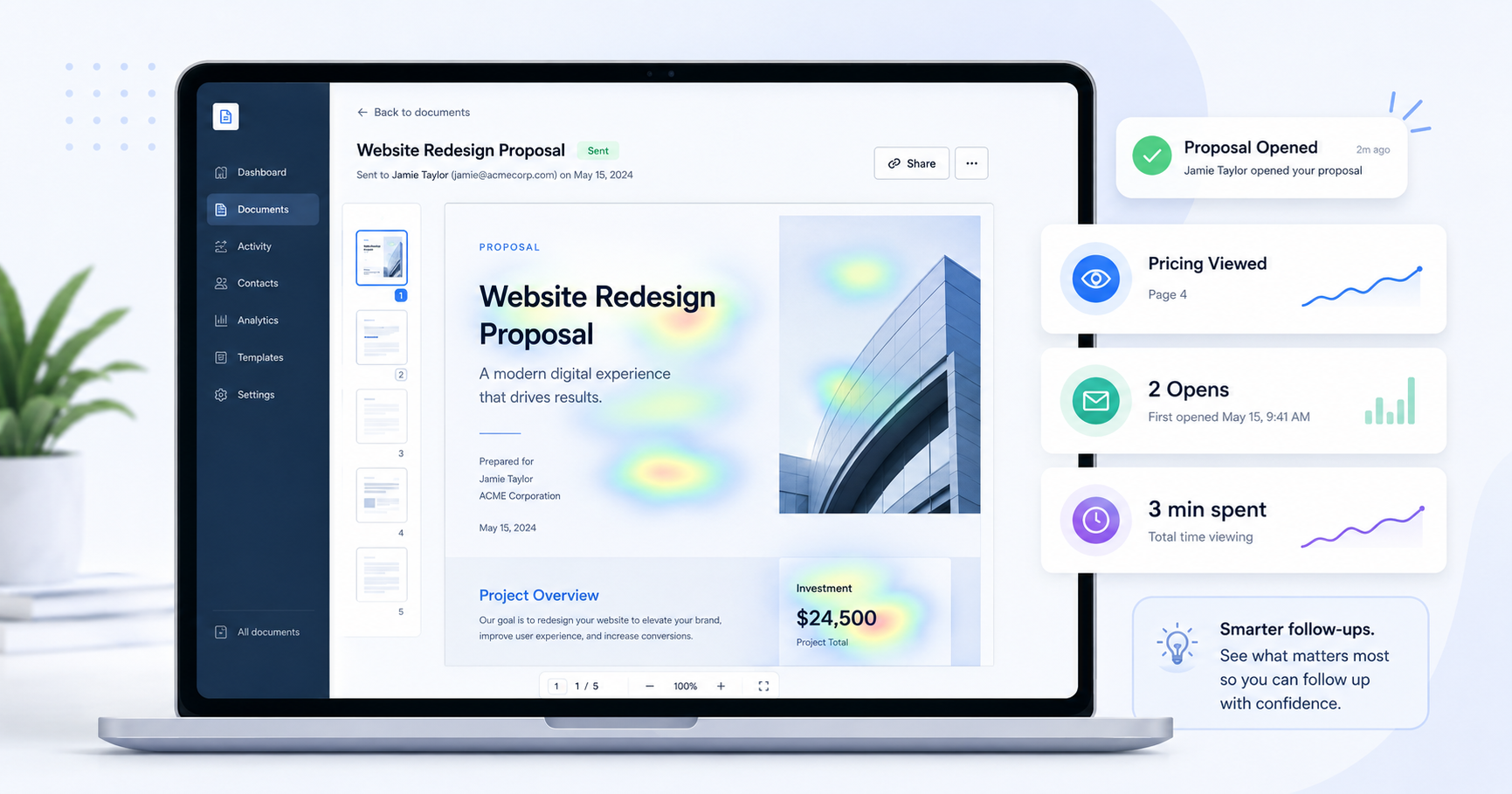
Document tracking changes that by turning your proposal into a trackable link. When someone opens the link, you can see engagement data such as:
- When the proposal was opened
- How many times it was opened
- Which pages got the most attention
- How long the viewer spent on each page
- Whether a new viewer opened it, which may mean it was forwarded internally
- How far the viewer scrolled on important pages like pricing, scope, or timeline
That last point is important.
If a prospect spends three minutes on your pricing section, that tells you something. They may be comparing options, checking budget fit, or preparing to discuss the proposal with someone else.
If they spend most of their time on your case study page, they may care more about proof and credibility.
If they never make it past the first two pages, your opener may be too long or the proposal may not be clear enough.
This is the difference between guessing and responding with context.
Without tracking, your follow-up sounds like this:
“Just checking in to see if you had a chance to review the proposal.”
With tracking, your follow-up can sound like this:
“Happy to walk through the pricing options if helpful. There are a few ways we can adjust the scope based on what matters most to your team.”
That second message is more useful because it is tied to what the buyer actually did.
How to Set This Up With Tracklytics
Tracklytics makes proposal tracking simple.
Step 1: Upload Your Proposal
First, upload your proposal. It can be a:
- Pitch deck
- Sales proposal
- Client report
- Scope of work
- Other important document
Step 2: Share a Trackable Link
Next, Tracklytics gives you a shareable link.
Instead of attaching the file directly to your email, you send the Tracklytics link to your prospect.
Step 3: Identify Viewers With an Email Gate
You can also add an email gate if you want to identify who is viewing the document.
This is especially useful when your proposal might get forwarded to other stakeholders. If a second person opens it, that may be a sign the deal is moving internally.
Step 4: Review Real-Time Engagement Data
Once the prospect opens your proposal, you get real-time engagement data. From there, you can check the activity feed to see how they interacted with the document.
For example, you might see that they opened the proposal twice, spent the most time on pricing, and returned later in the day. That is a strong follow-up signal.
Tracklytics is built for founders, consultants, agencies, marketers, and sales teams that want to know what happens after they send important documents.
You can explore the full feature set here:
https://tracklytics.ca/features
What to Do the Moment They Open It
The goal is not to stalk the prospect. The goal is to follow up when your message is actually useful.
If the prospect opens your proposal and spends time on it, follow up while the context is fresh.
A simple message works best:
“Hey John, I was thinking about your proposal and wanted to see if any questions came up as you were reviewing it.”
If they spent a lot of time on pricing, you can be more specific without sounding creepy:
“Happy to walk through the pricing or scope if helpful. There are a few ways we can adjust the package depending on your priorities.”
If they never opened the proposal after a few days, your follow-up should be different:
“Hey John, just wanted to make sure the proposal link came through properly. I’m happy to resend it or send a shorter summary if that’s easier.”
If a new viewer appears, that may mean the proposal was forwarded:
“Would it be helpful to include anyone else from your team in the next conversation?”
That is how document tracking turns a generic follow-up into a relevant one.
Start Tracking Your Proposals
If you are sending proposals and waiting in the dark, Tracklytics gives you the visibility you need.
You can see when prospects open your proposal, which pages they care about, and when it is the right time to follow up.
Start tracking your proposals free:
https://tracklytics.ca/
See current plans and pricing:
https://tracklytics.ca/pricing
About Tracklytics
Tracklytics is a document tracking and PDF analytics platform for founders, sales teams, agencies, consultants, and marketers.
Instead of sending a proposal and waiting without context, Tracklytics helps you see when a prospect opens your document, how they engage with it, and which pages matter most.
For proposal follow-up, Tracklytics is designed to answer the questions that static attachments cannot:
- Did they open it?
- Did they return?
- Did they review pricing?
- Did someone else view the document?
FAQ
Can I know when someone opens my PDF proposal?
Yes. With a document tracking tool like Tracklytics, you can upload your PDF proposal, send a trackable link, and see when someone opens it.
Can I see which pages a prospect viewed?
Yes. Tracklytics is built to show document engagement beyond a basic open, including page-level activity and time spent.
Should I follow up immediately after someone opens my proposal?
You should follow up while the context is fresh, but the message should still be helpful and natural.
The goal is not to sound like you are watching them. The goal is to answer questions at the moment they are likely reviewing your proposal.
Is proposal tracking useful for agencies and consultants?
Yes. Agencies and consultants can use Tracklytics to understand whether clients read proposals, reports, scopes of work, and pricing pages before a follow-up call.
Stop guessing. Start knowing.
Track when prospects open your proposals, see which pages they read, and follow up at exactly the right moment.
Try Tracklytics free →